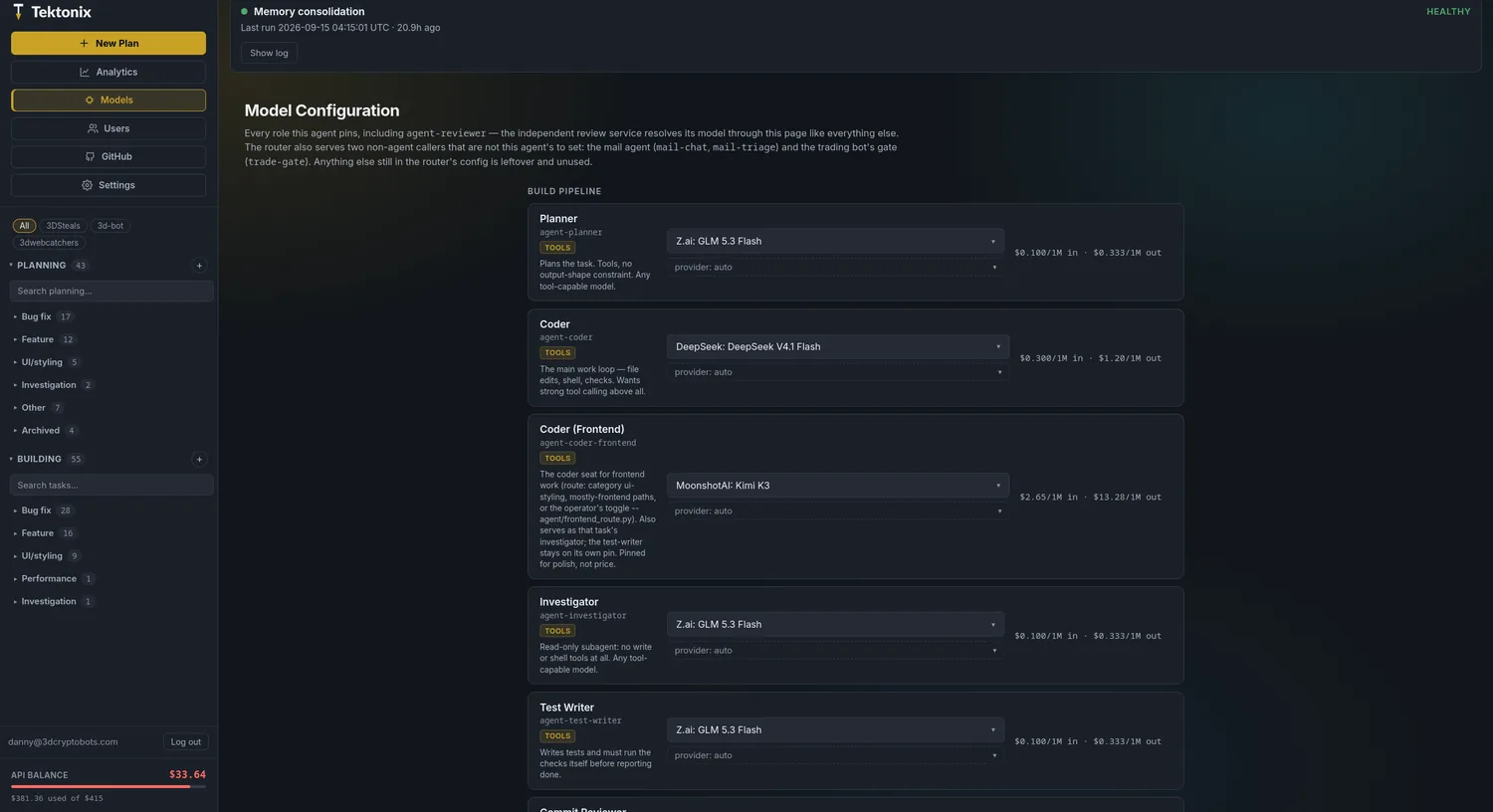
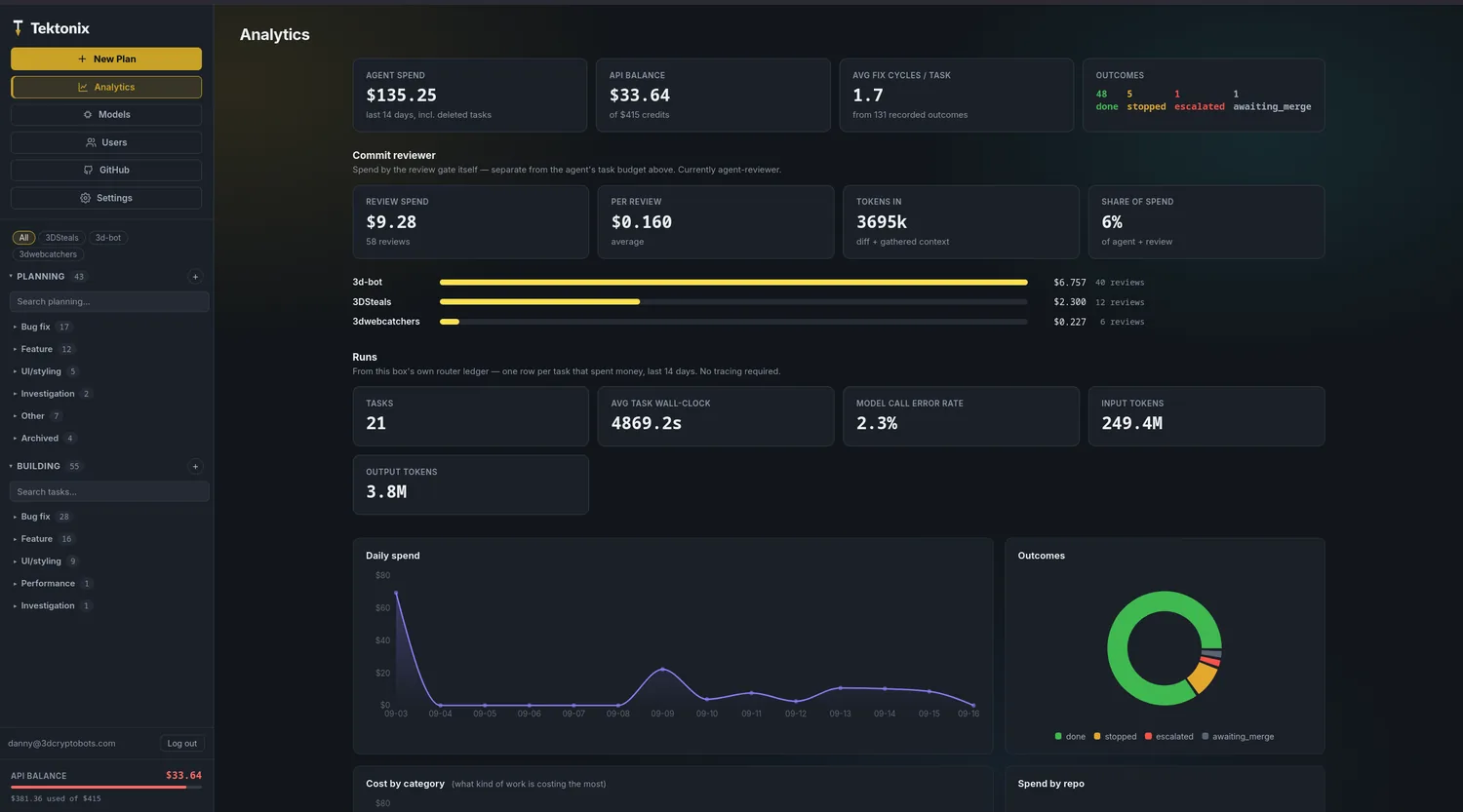
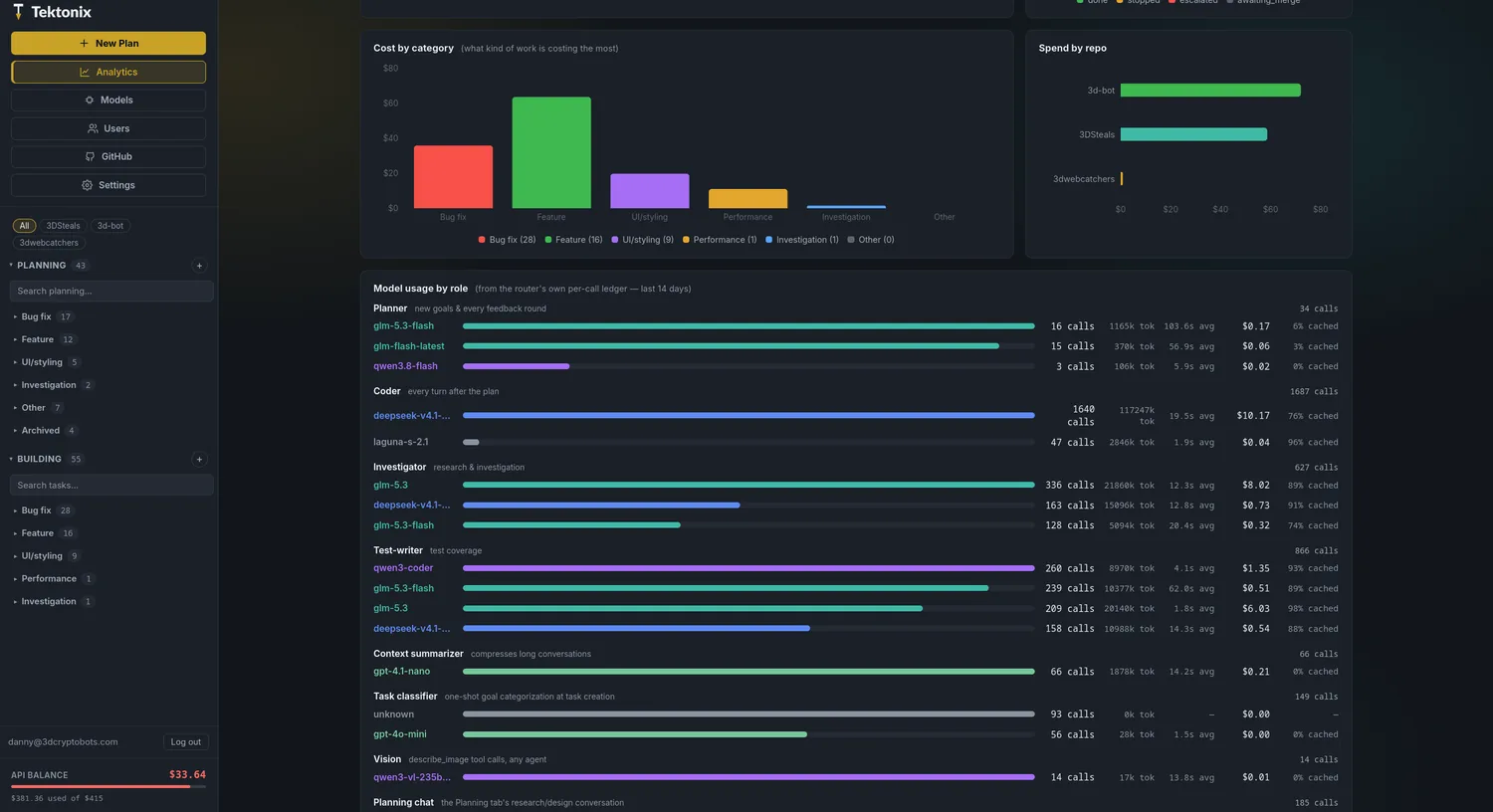
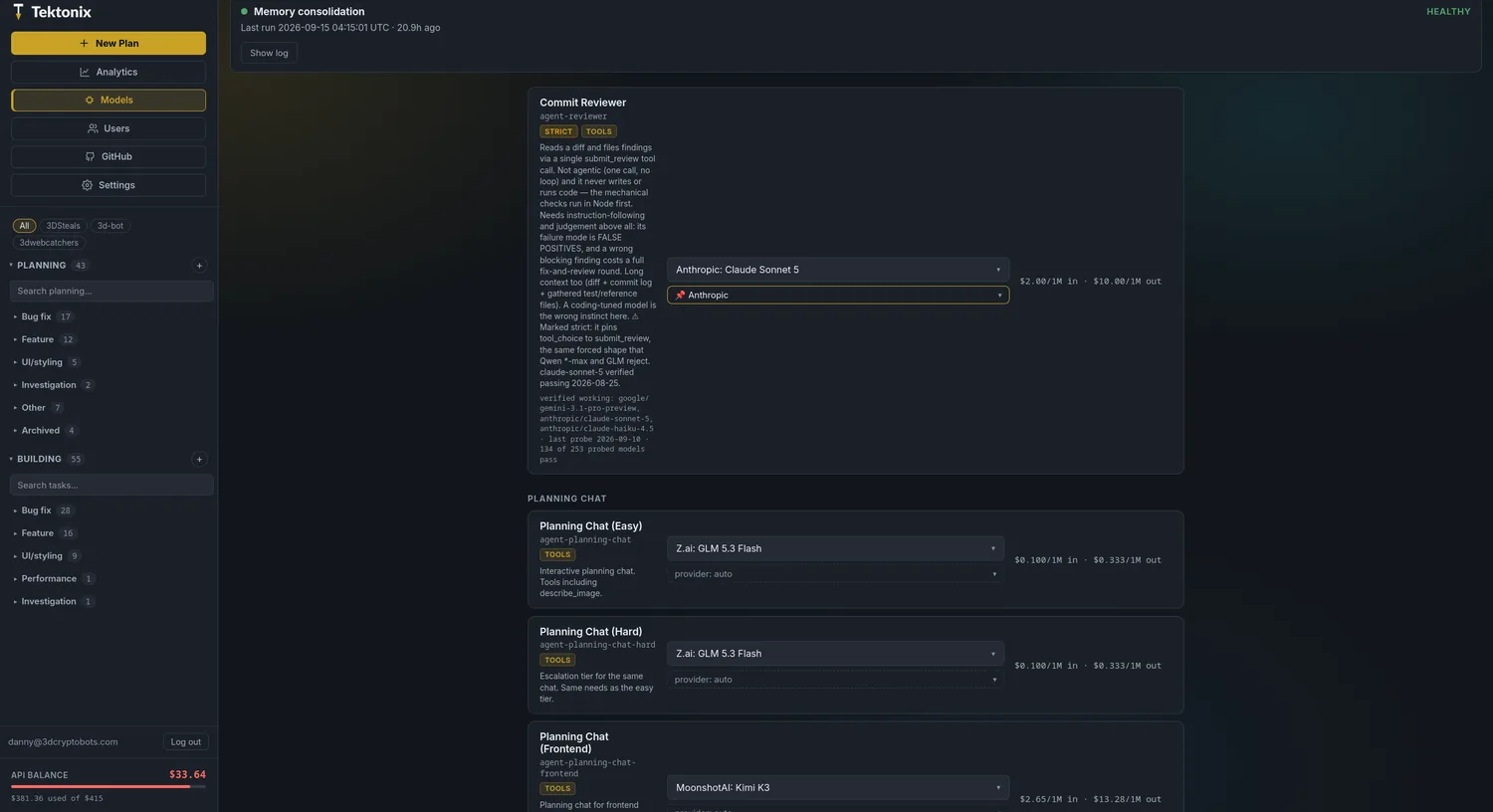
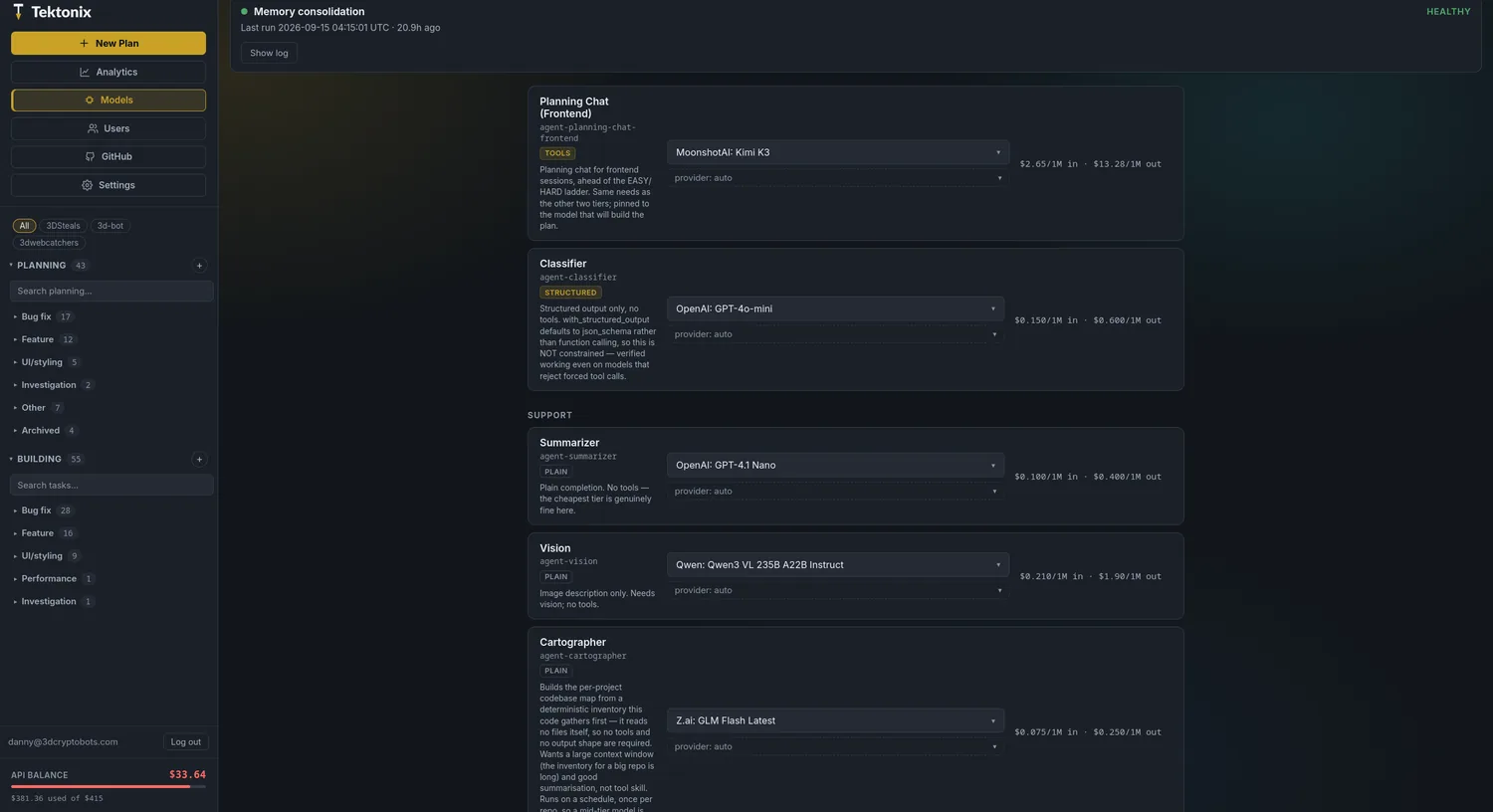
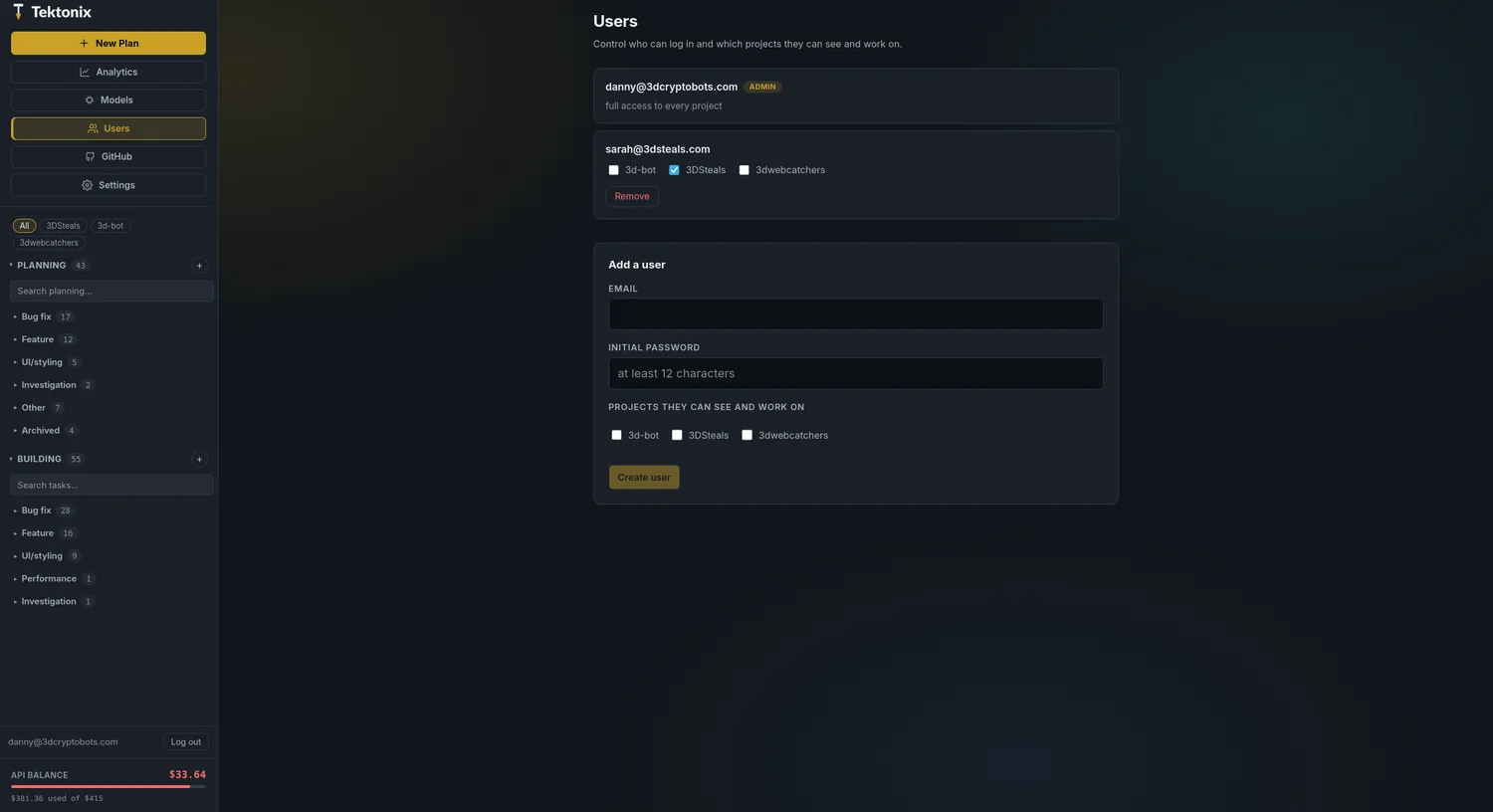
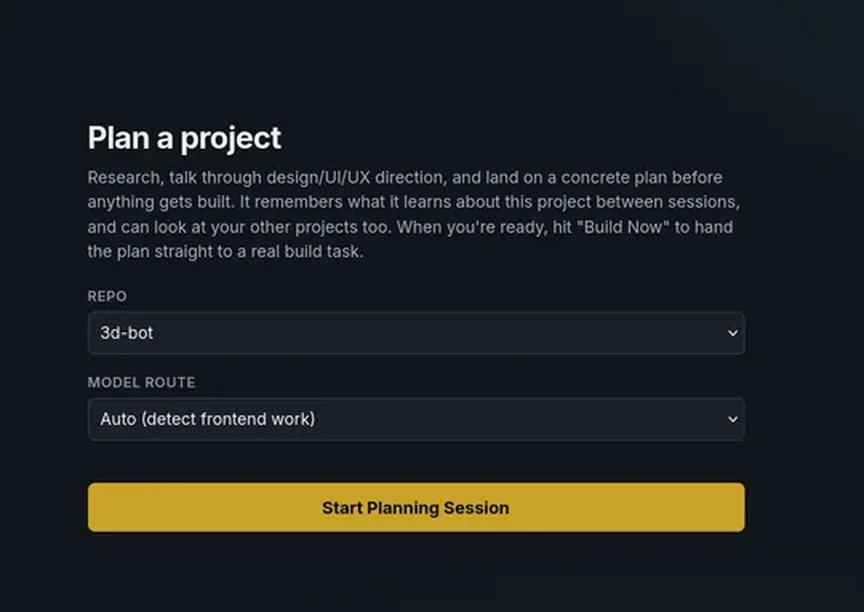
Windows and Linux both get an app. On Linux you can also run it straight on the host or as a Docker bundle. Every path ends at the same dashboard.
windows 10 / 11The Windows app
Download the installer and run it. If you don’t have WSL 2 and Docker Desktop, it installs them for you (Windows will ask permission, and may want a restart). Then it asks for your OpenRouter key and where your projects live, pulls the release, and opens the dashboard. From then on it updates itself.
- Download the installer and run it
- Let it set up Docker if it asks
- Enter your OpenRouter key and projects folder
- Pick your password and sign in
Windows 10 or 11, 64-bit · an OpenRouter API key
appimage / .debThe Linux app
Same app, same setup. The first time you run it, it installs itself into your app menu. If Docker isn’t there it installs it (on Arch-based distros like CachyOS too), asking for your password once, and then just carries on: no logging out. Your projects stay owned by you, not root. It updates itself from then on.
curl -fsSL https://perseiagent.ai/install-linux.sh | sh
- Run that, or download the AppImage below and run it once
- Let it set up Docker if it asks
- Enter your OpenRouter key and projects folder
- Pick your password and sign in, and find it in your app menu after that
64-bit Linux with a desktop · an OpenRouter API key
./install.shLinux, on the host
This is how I run it. The installer takes a fresh clone to a running agent: prerequisites, secrets, database, sandbox image and dashboard. It asks three questions and figures out the rest. --dry-run shows everything it would do without doing it.
git clone https://github.com/DJG3DK/persei.git
cd persei && ./install.sh
Linux · Python 3.12+ · Node 24+ · Docker · PostgreSQL 14+ · an OpenRouter API key
docker composeLinux, as a bundle
Agent, database, router and the review gate as one stack, if you’d rather only install Docker. Put your OpenRouter key and projects folder in .env, start it, and open localhost:8100. The one thing it can’t do is restart your own app after a merge; that needs the host install.
git clone https://github.com/DJG3DK/persei.git && cd persei
cp docker/.env.example .env
docker compose up -d
Docker · an OpenRouter API key